

Design, assign, measure and certify corporate courses from one panel
Modules, content, exams, events, certificates, notifications and reports in one place.
A single video can be a module, and so can a year-long leadership program. Oriento lets you manage both with the same flexibility.
Request a demo Explore the features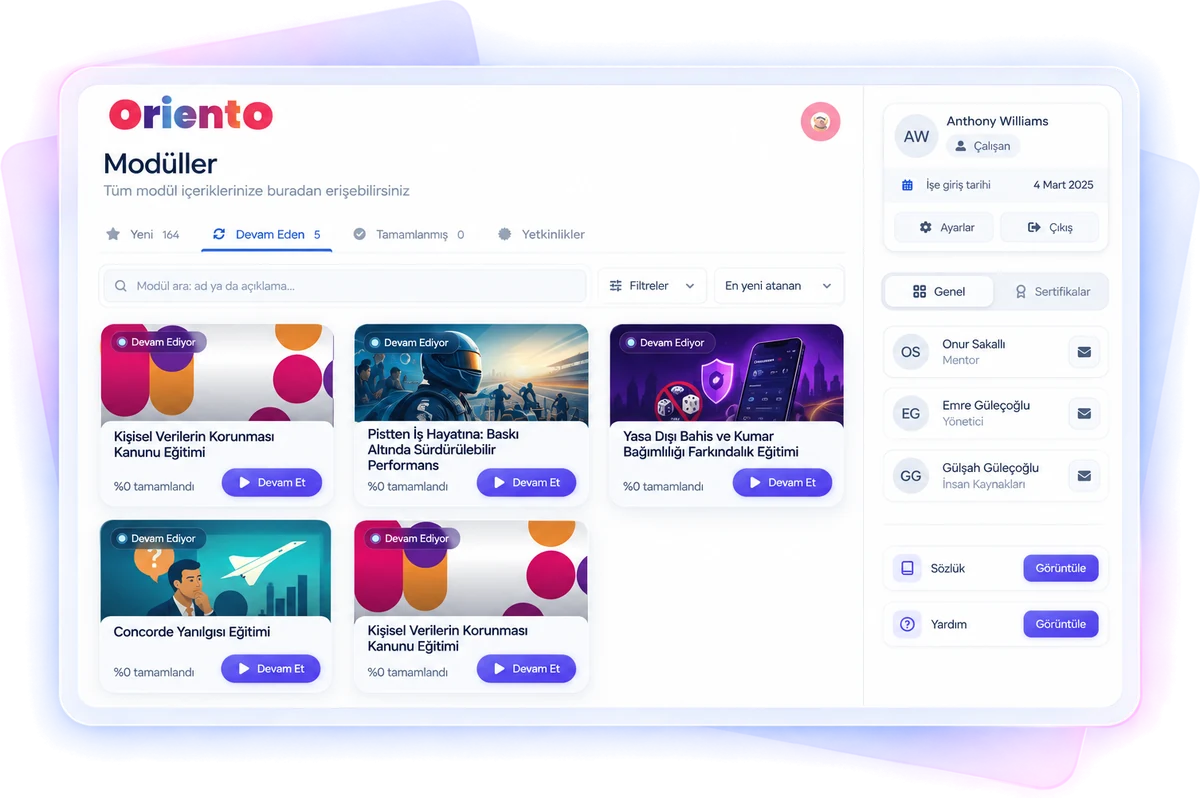
Flexible module structure, automatic assignment
Create modules manually or with AI, with as many sections as you like and as many items as you like in each.
Module settings
Choose a category, internal or external source, cover image and instructor. Keep re-access to content open or closed for those who complete it.
Groups and automatic assignment
Define teams as groups and build parent-child hierarchies. Group-specific modules are assigned automatically to everyone added to a group, so a new IT hire gets department modules on top of orientation.
Copying and bulk editing
Copy modules and transfer them between group companies. Change core settings such as category across multiple modules at once.
Sequential or free
Order content with drag and drop; run the module step by step or open it up for free navigation.
Date rules
Unlock content by start date, previous item or a fixed date. Make content that doesn’t apply to everyone skippable.
Category tree
Build your own structure of main categories and subcategories for your modules.
Every kind of learning content, in one module
Video
Upload videos or embed them from YouTube and your intranet. Create galleries, add subtitles, set a minimum watch time, and turn on pause-on-tab-switch and autoplay.
SCORM 1.2
Upload your ready-made course packages and see a preliminary load-speed assessment during upload.
HTML pages
Create visual and text content and embed content from other platforms, such as interactive PDF booklets via flipbook.
Files
Share the file formats you use every day as content.
Exams and surveys
Exams and surveys fed by a question bank, reusable across modules.
In-person and virtual courses
Add classroom courses and virtual sessions as steps in a module.
Photo and document tasks
“Add your photo and introduce yourself” and document upload tasks; you decide who sees the documents.
Custom tasks and QR
Add any task and tie completion to scanning a QR code.
Build once, use in every module
Exams and surveys collect in a pool, so you never rebuild the same exam for different modules.
Exams
- Question bank; add questions one by one on screen or in bulk via Excel
- Images on questions, as many options as you need
- Time limit, passing score and retake rules; behavior on pass and fail
- Shuffled questions and options, and a random exam from the question pool for each user
- Copying and detailed per-question reports
Surveys
- Multiple-choice and open-ended questions
- Question bank and bulk upload via Excel, images on questions
- Retake rules, shuffling and an option to move freely between questions
- Copying and detailed per-question reports
In-person and virtual courses in the same flow as digital ones
Event pool
Events collect in a pool and can be added to any module. Enter the name, Google Maps location, start and end dates and instructor details.
Virtual sessions
Add the link from your meeting tool and set the minimum time required to count attendance.
Attendance
Instructors create attendance lists for in-person and virtual events and take attendance.
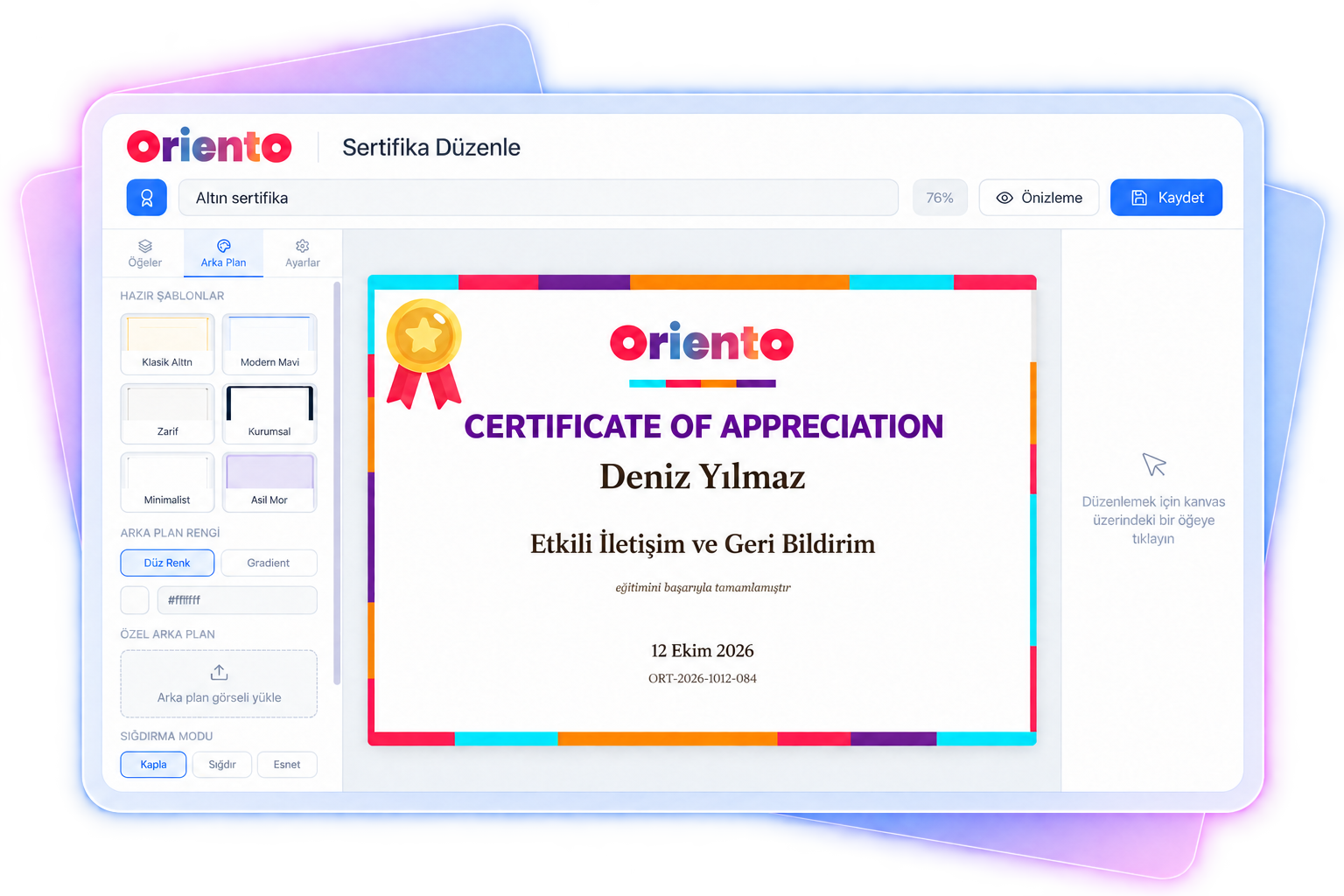
Self-managing certificates
Certificate management is one of Oriento’s strongest suits.
- Design as many certificates as you like with drag and drop, no coding required.
- Set a validity period; when it ends, the module is reassigned automatically, with reminders sent as many days ahead as you like.
- Users see their certificates on one screen, download them, or share them on LinkedIn.
- Every certificate has a unique ID that makes its authenticity verifiable.
The right message, to the right person, at the right time
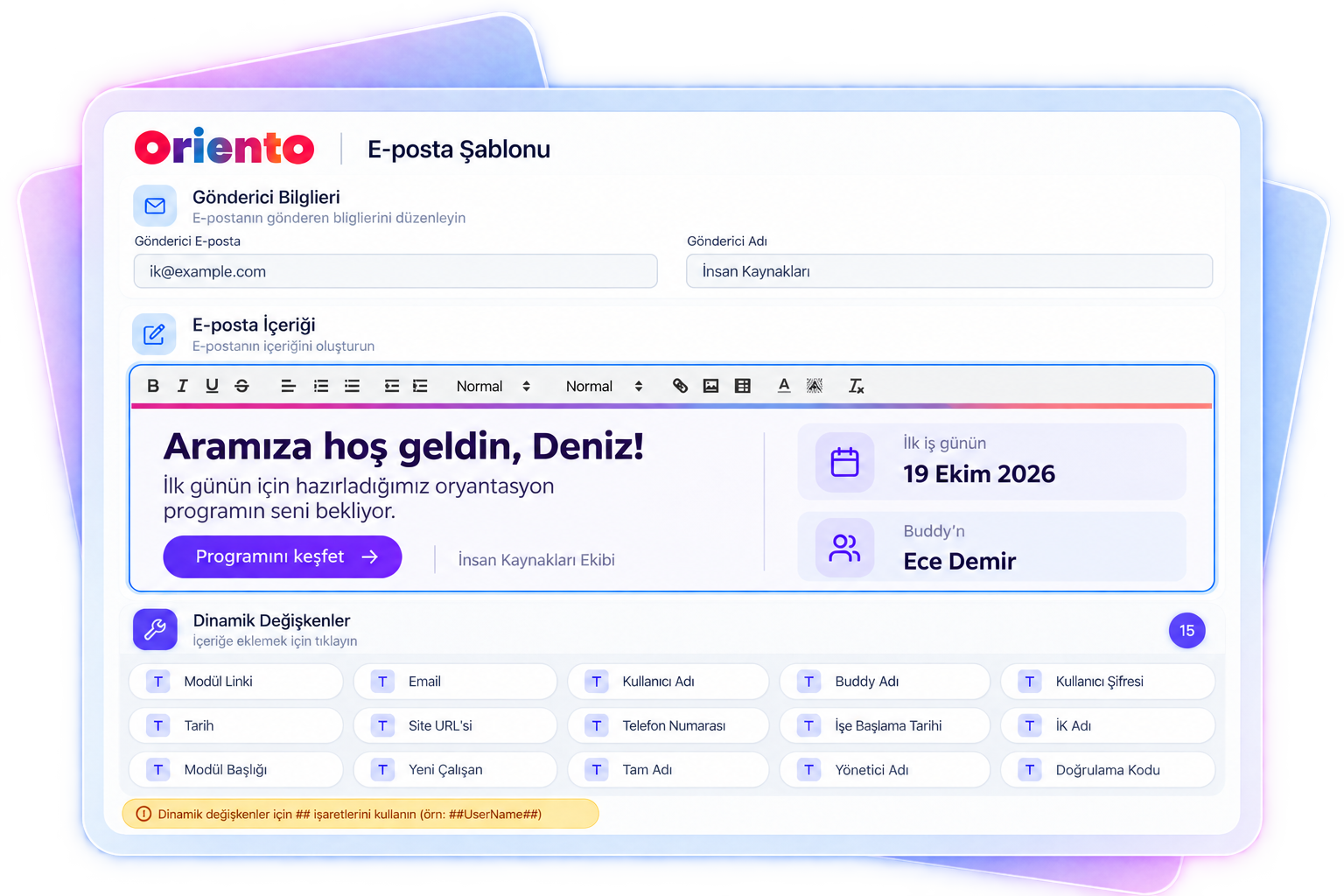
Notifications are designed around the user experience: user creation, module assignment, reminders, password resets, certificate reminders and more.
- Design emails in the HTML editor and add personalized dynamic data with tags.
- Add any roles you like to the recipient and cc fields, and set the reminder frequency yourself.
- Set notifications per module or shared across all modules; copy templates or pause them temporarily.
- Emails are queued and sent in batches: after a wrong assignment, open the send list and cancel. List sent and failed emails and resend them.
Reporting down to the smallest item
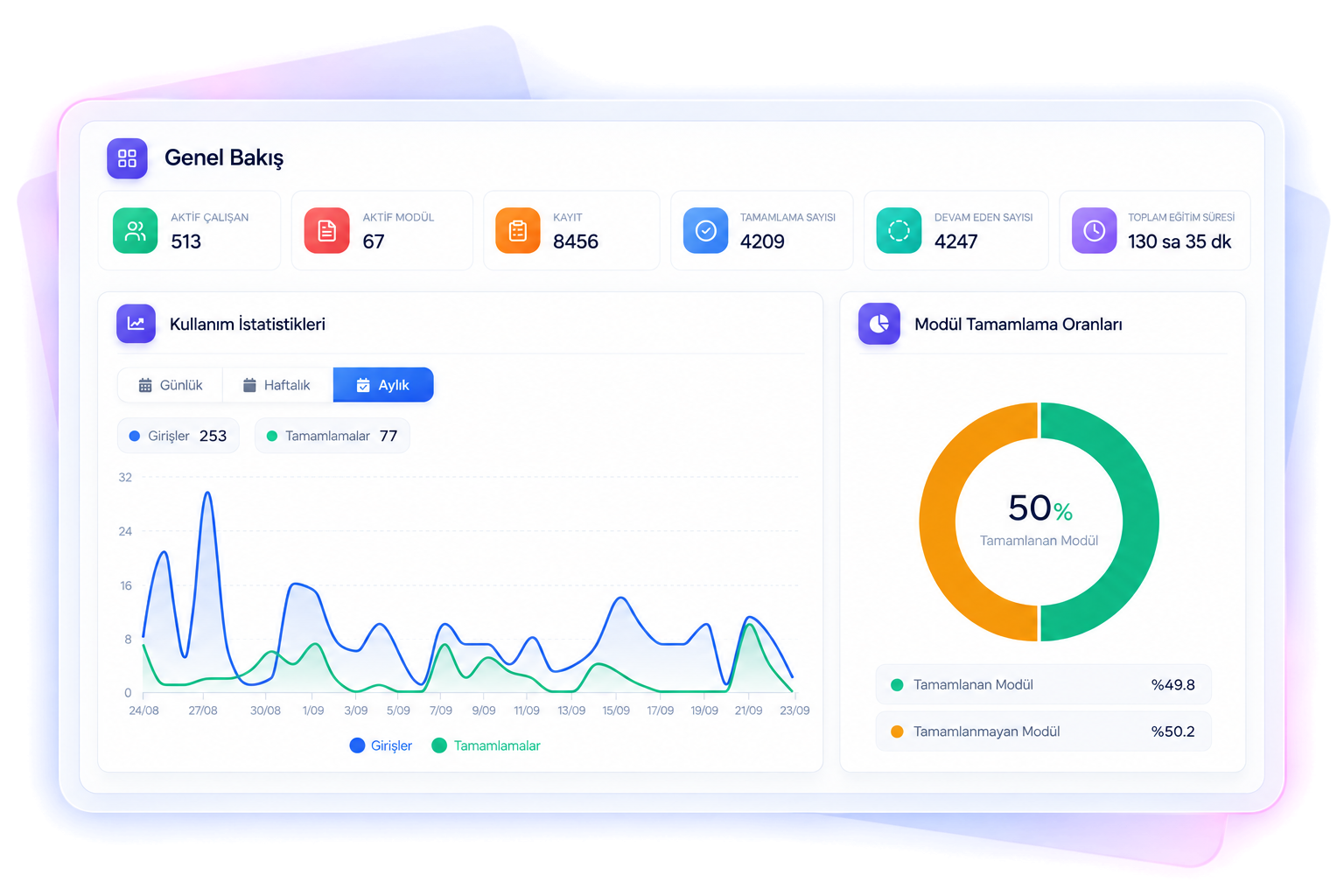
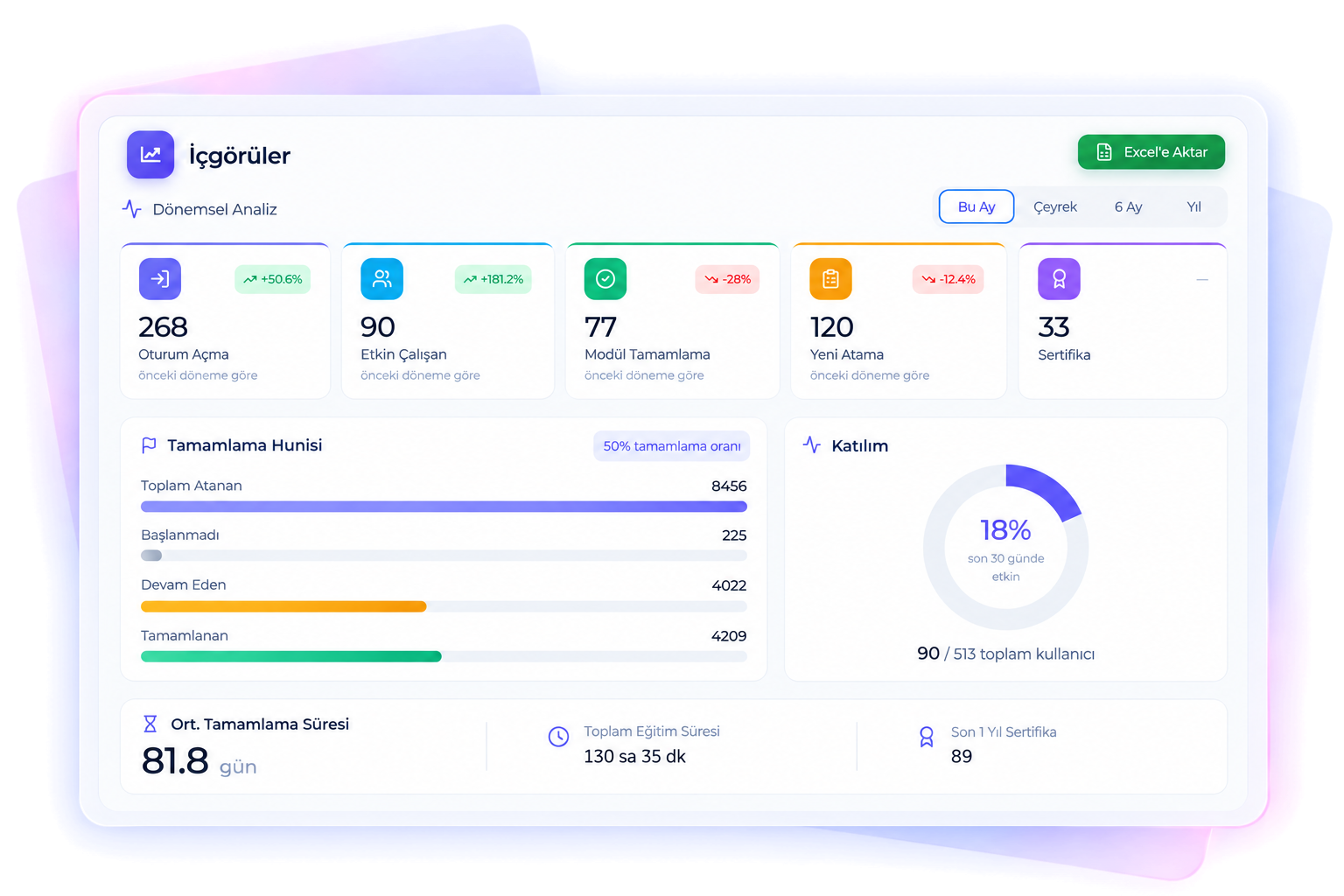
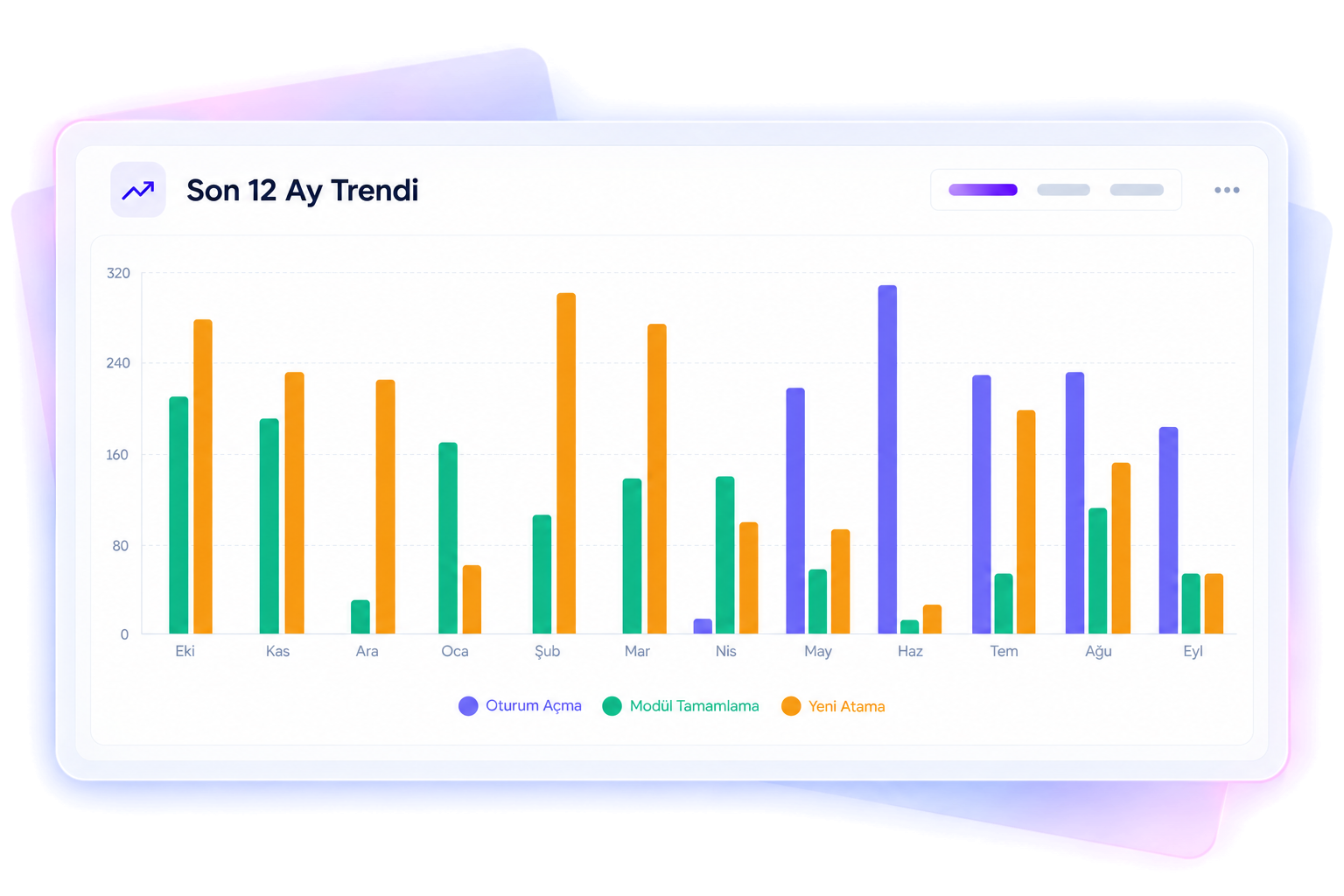
Reporting is one of Oriento’s greatest strengths. Analyze all data generated on the platform by user or by module.
- Employee reports: all activity, completed modules, how each exam question was answered, and when they started and finished. Admins can update completion status.
- Module reports: who’s enrolled and who did what in each section; filter by content type and export to Excel.
- Exam and survey reports: overall and per-question results, scores and pass status.
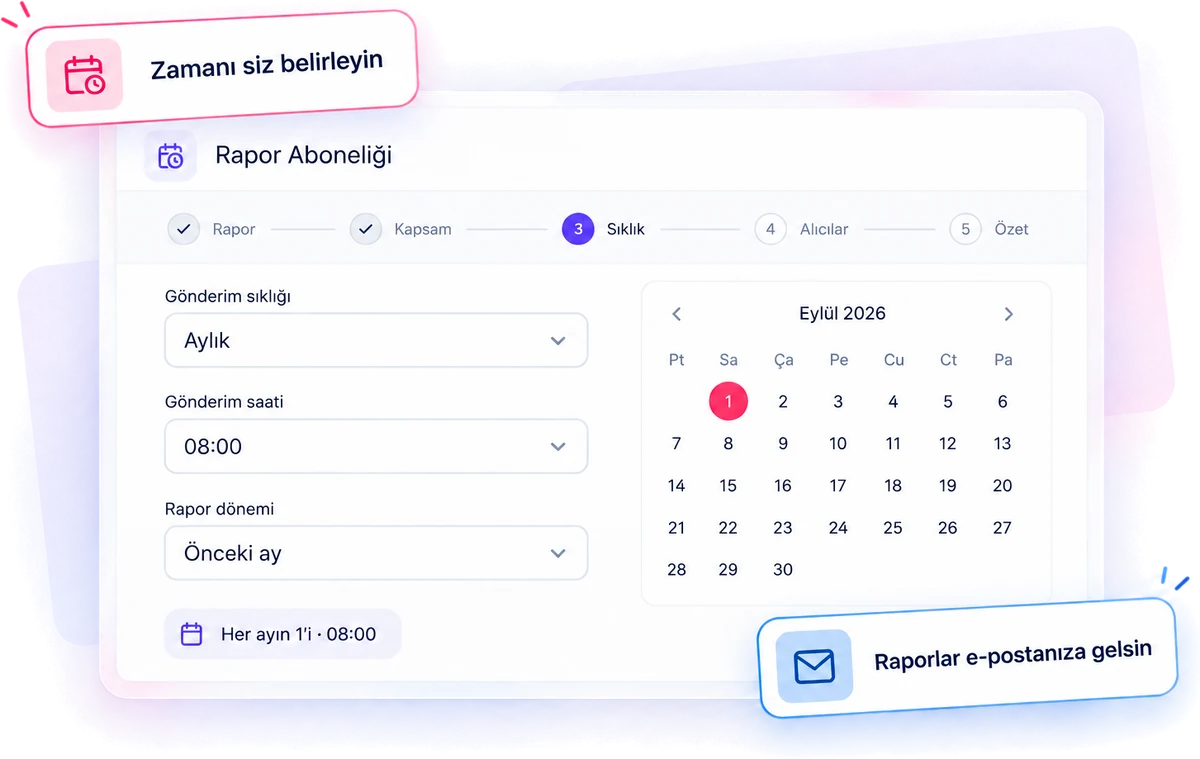
- Report subscriptions: send any report to your inbox automatically at the frequency you choose, and forward it masked or in original form to addresses not registered in Oriento.
Manage users without the one-by-one hassle
Flexible registration
Bulk import via Excel, HR system integration, on-screen registration or self-registration. Admin approval for self-registrations is optional.
ID card on one screen
All of a user’s activity, courses, certificates, competencies and organization details on one screen. Add extra fields such as collar color.
Bulk actions
Send bulk emails to selected users, assign modules and change passwords in bulk, and export the list to Excel with one click.
Multiple roles
A user can be a manager and a buddy at the same time and switch between roles.
Security and support
Require two-factor authentication. Admins can log in as a user (force login) for quick support.
Instructors
Create instructor profiles for internal and external instructors. Instructors update their own modules, add users, enter comments, take attendance and pull reports.
Wherever your employees are
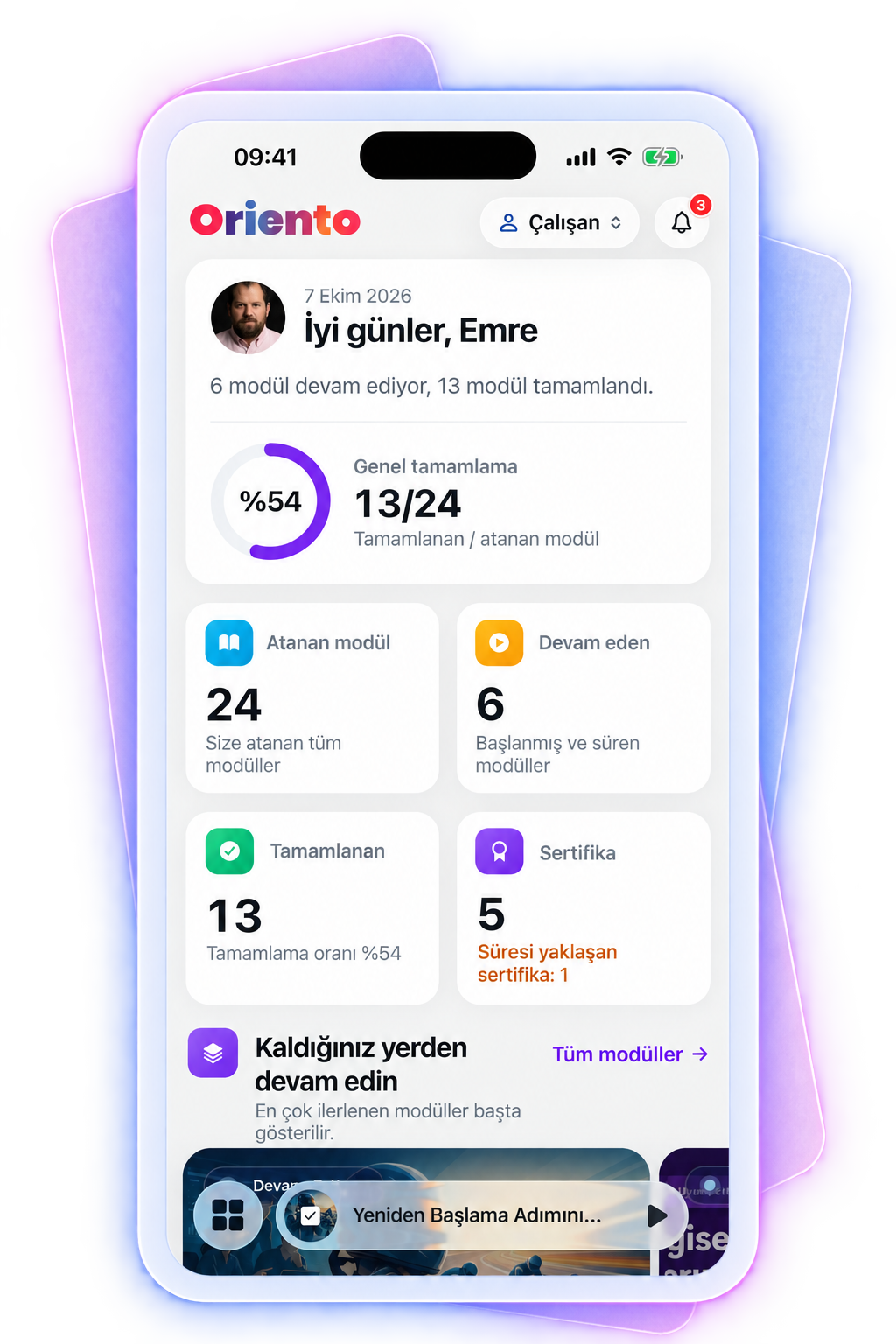
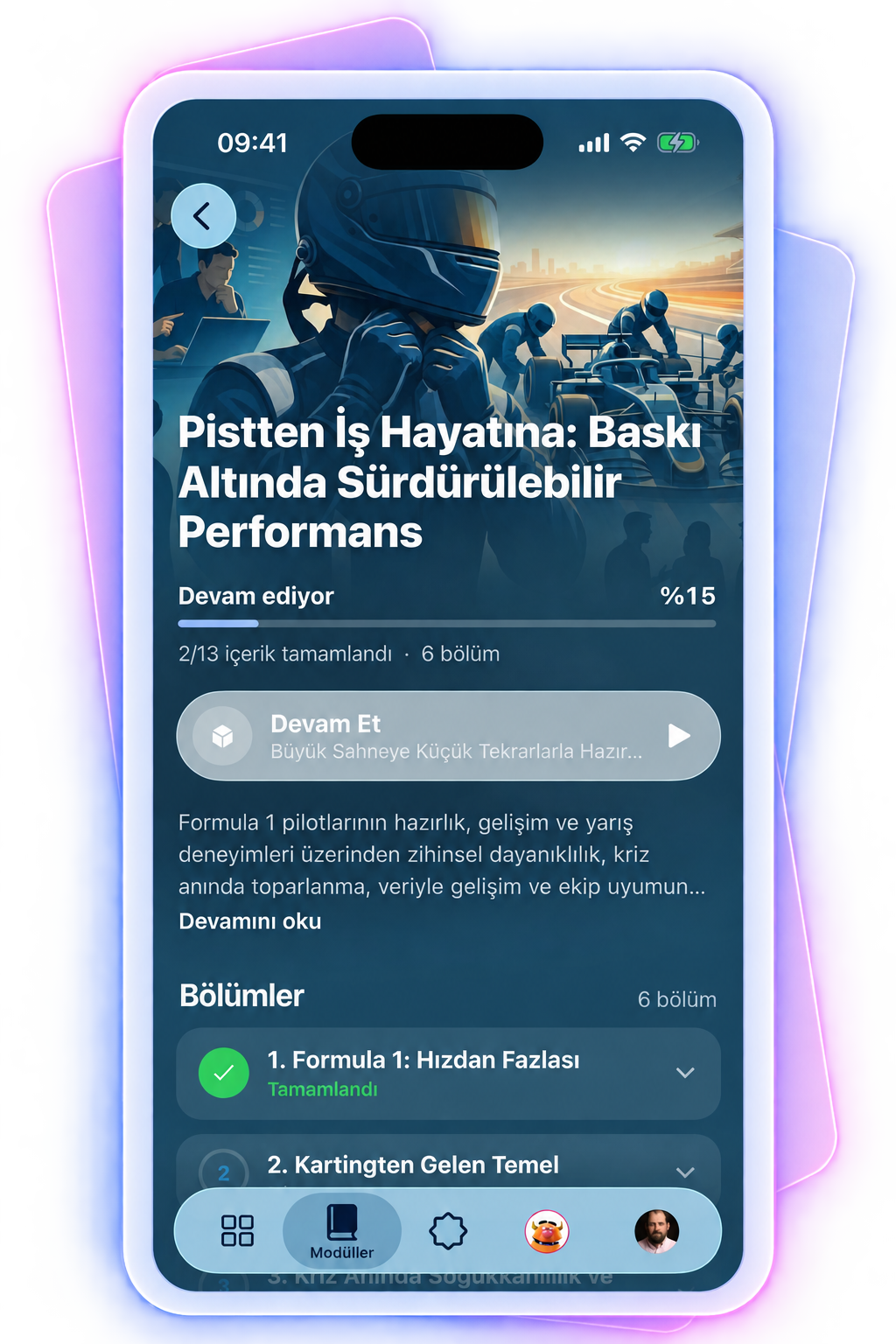
Oriento runs on web, tablet and mobile, with native apps on the App Store and Google Play.
- Newly assigned, ongoing and completed modules on the home screen.
- Manager, buddy and HR officer details, certificates, glossary, FAQ and documents in the right-hand panel.
- Inside a module: the module tree on the left, content in the center, start and completion rules on the right.
- Dark mode and support for 25+ languages.
Let’s see your course processes in Oriento
Tell us about your current course structure, and we’ll show you how to manage your modules, certificates and reports in Oriento.
- SCORM, video, exams and events in one module
- Self-managing certificates
- Report subscriptions and Excel export
We’ve received your request
We’ll get back to you the same day. If it’s urgent, email us at info@digitallica.com.tr.