

From day one to departure, everyone knows what to do and when
Build your onboarding program once; it’s assigned to every new employee automatically, and tasks for the manager, buddy and HR are created on their own.
Run exits on the same infrastructure: handovers, exit interviews and personnel steps reach the right people at the right time.
Request a demo See how it works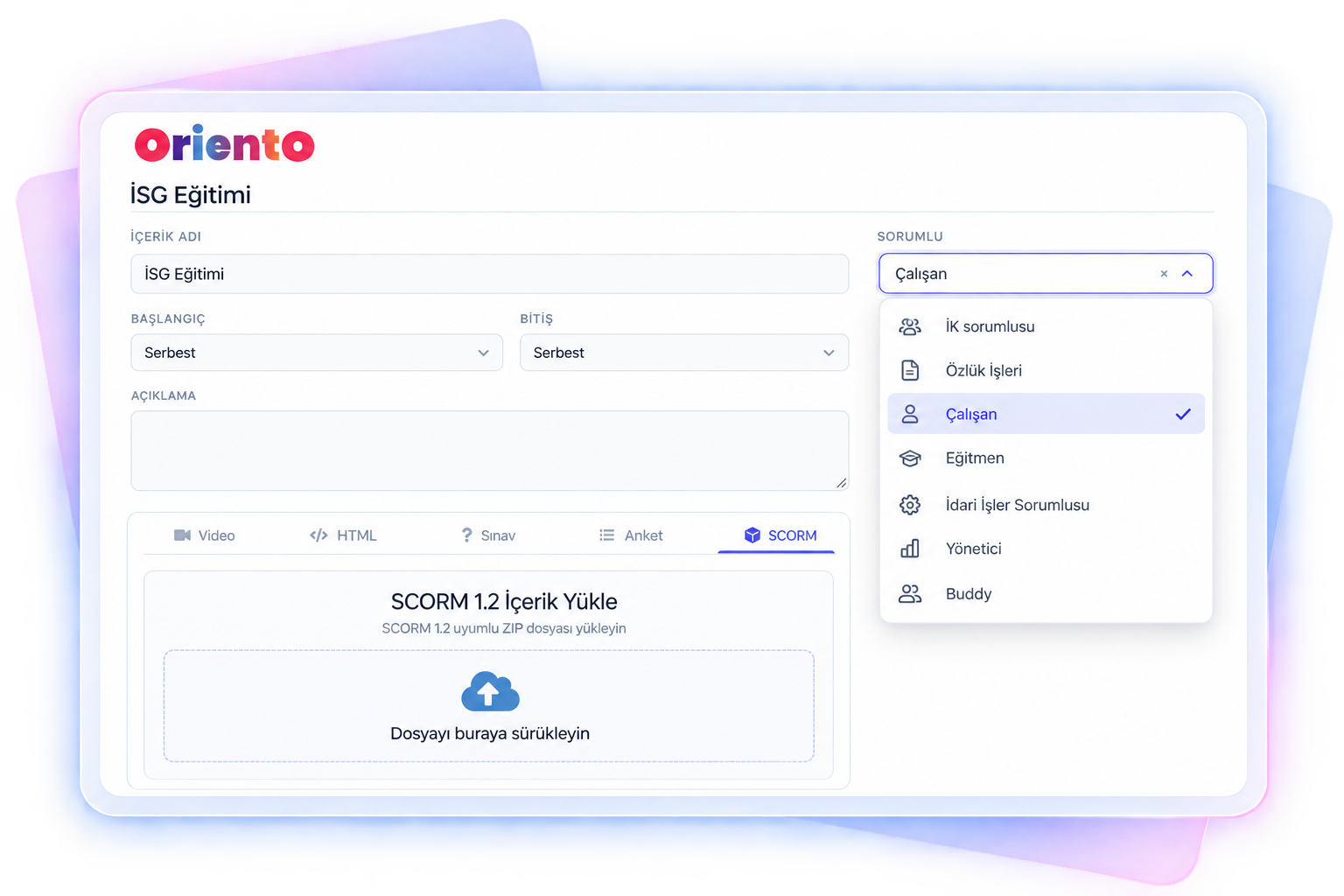
Set it up once, and it runs for every new employee
Register before day one
Register employees with their personal email, or let them sign up themselves. Self-registrations can go to an admin for approval or start right away.
Assign the program
The onboarding program you build once is assigned to each new employee, and you can automate the assignment. Set up separate programs for interns, white-collar and blue-collar staff.
Tasks are distributed
The moment the module is assigned, tasks for the employee’s manager, buddy and HR officer load onto their own screens. No extra setup needed.
Track progress
Managers track their team’s status on screen; admins report company-wide progress by content and export it to Excel.
Don’t start from a blank page: a sample onboarding flow
A sample flow compiled from onboarding programs we’ve built for organizations. Steps come ready, from GDPR consents to hiring documents and from buddy and IT tasks to month-2 and month-6 review surveys. Download it and adapt it to your process; if you’d like it in Oriento, we’ll import it for you.
- 45 tasks
- 6 sections
- 6 task types
- 180 days of follow-up
| Section | Task | Owner | Type |
|---|---|---|---|
| GDPR consents | Could you review and approve the privacy notice? | Employee | Agreement |
| Preferences | Could you choose your health insurance option? | Employee | Survey |
| Hiring documents | Could you upload your diploma? | Employee | File |
| Other tasks | Register the employee with social security | Personnel Affairs | Survey |
| Other tasks | Have you completed the OHS course? | Employee | SCORM |
| Reviews | Month-2 review survey | Employee | Survey |
Onboarding is a team effort, not a one-person job
In Oriento, every employee is matched with their manager, buddy, HR officer, personnel affairs, IT and administrative staff. In the onboarding program you define separate tasks for these supporting roles.
- Give the manager an access request task for shared areas, and the buddy a first-day welcome task.
- Let everyone see all tasks but do only their own, or let each person see only their own tasks; choose this per module.
- Match supporting roles via integration or set company-wide defaults: if you have a single IT officer, they’re assigned automatically to everyone who joins the platform.
- Rename roles in your own words, such as “Travel companion” instead of “Buddy”.
Beyond courses: the real steps of starting a job
An onboarding program is more than course content. Oriento also tracks the practical steps of joining as tasks.
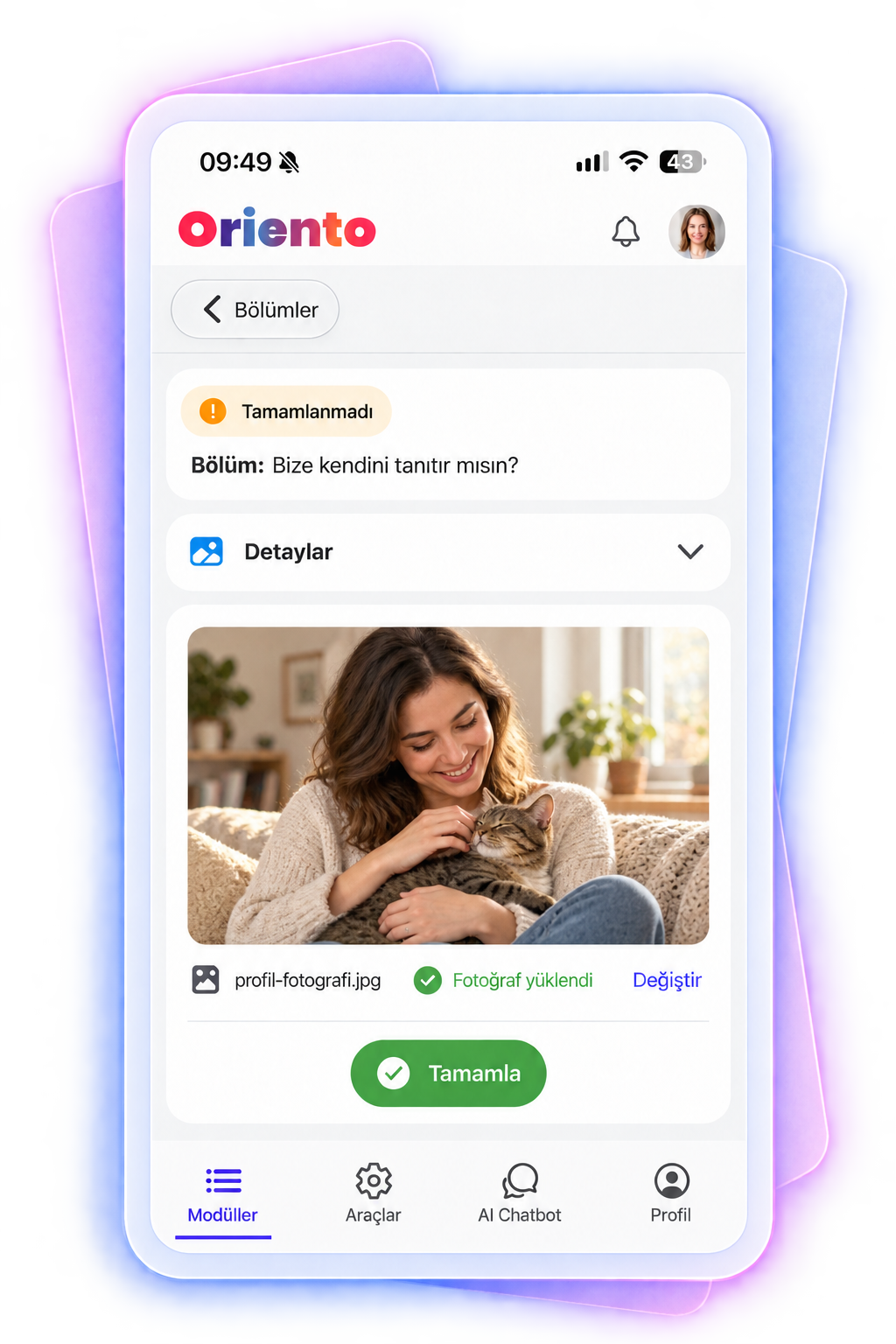
Add your photo and introduce yourself
The employee shares a photo and a short intro, which reaches their manager and buddy both in the app and by email.
Upload hiring documents
Documents are collected before the employee starts. You decide who can see uploaded files, for example only personnel affairs.
Custom tasks and QR completion
Add any task you like and tie completion to scanning a QR code. At the end of an in-person session, participants scan the code to close the task.
Course content
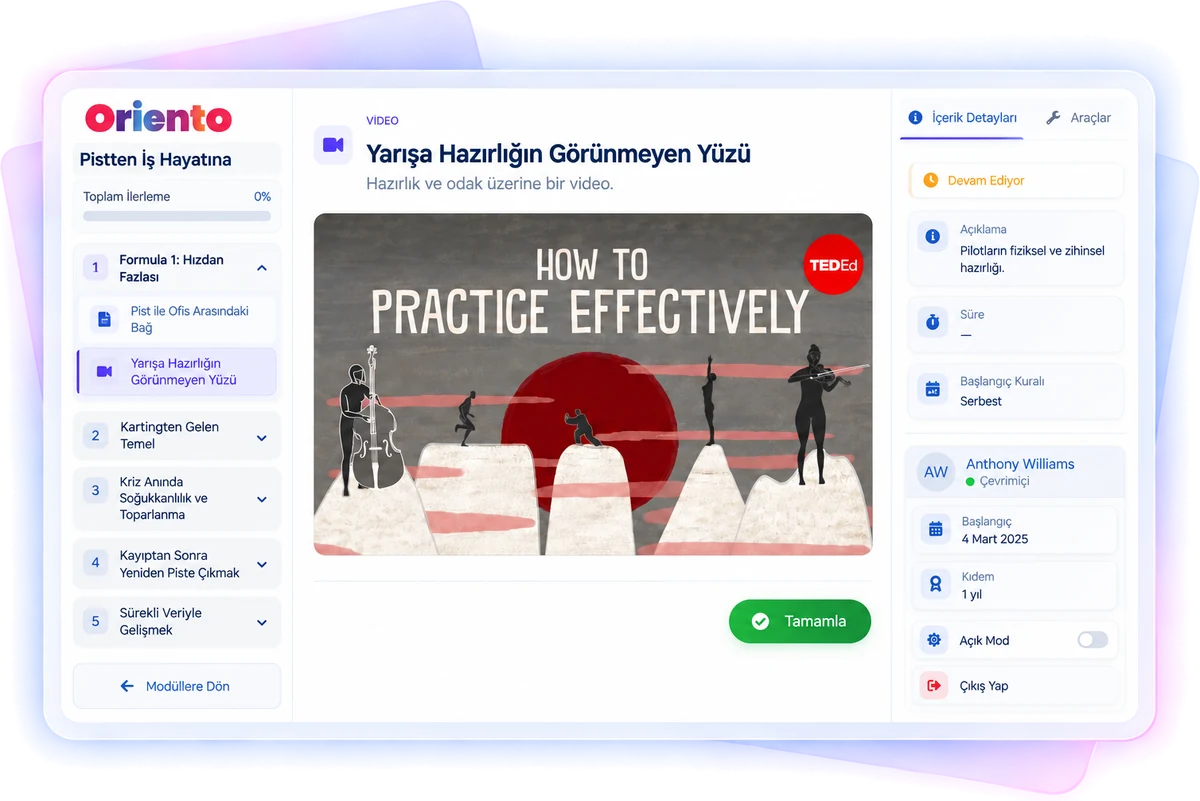
Video, SCORM, HTML pages, exams and surveys run side by side with tasks in the same program.
180-degree review
Assign the manager a review survey task for their employee; the manager fills it in from their own screen.
In-person and virtual events
Add orientation sessions to the program and track attendance along with location, date, instructor and meeting link.
Every item unlocks right on time
Set content start and end times relative to the employee’s start date.
- Unlock content 30 days before the start date or 180 days after it; release it with or after the previous item, or on a fixed date.
- Run content in sequence or open it up for free navigation; reorder it with drag and drop.
- Make tasks that don’t apply to everyone skippable: an employee without a driver’s license skips the “Upload your license” task, and module completion is unaffected.
- Add a one-question “How useful did you find this task?” survey after each item; responses build the module’s rating score, visible only to admins.
Everything a new hire wonders about, in one place
These areas are optional; any area without content stays hidden on the employee’s screen.
Glossary
Terms, abbreviations and jargon specific to your company and industry, with images, translations and pronunciation audio.
Frequently asked questions
Answer the questions your team hears most, by category; there’s no limit on questions.
Documents
Share public files without uploading them to modules; views are tracked.
AI assistant
The chatbot you train on your own documents answers new hires’ questions using only what you’ve taught it.
Exits are a planned process too
Manage exit flows with the same logic as onboarding. Distribute tasks to the employee and their supporting roles by exit type, so no step is forgotten.
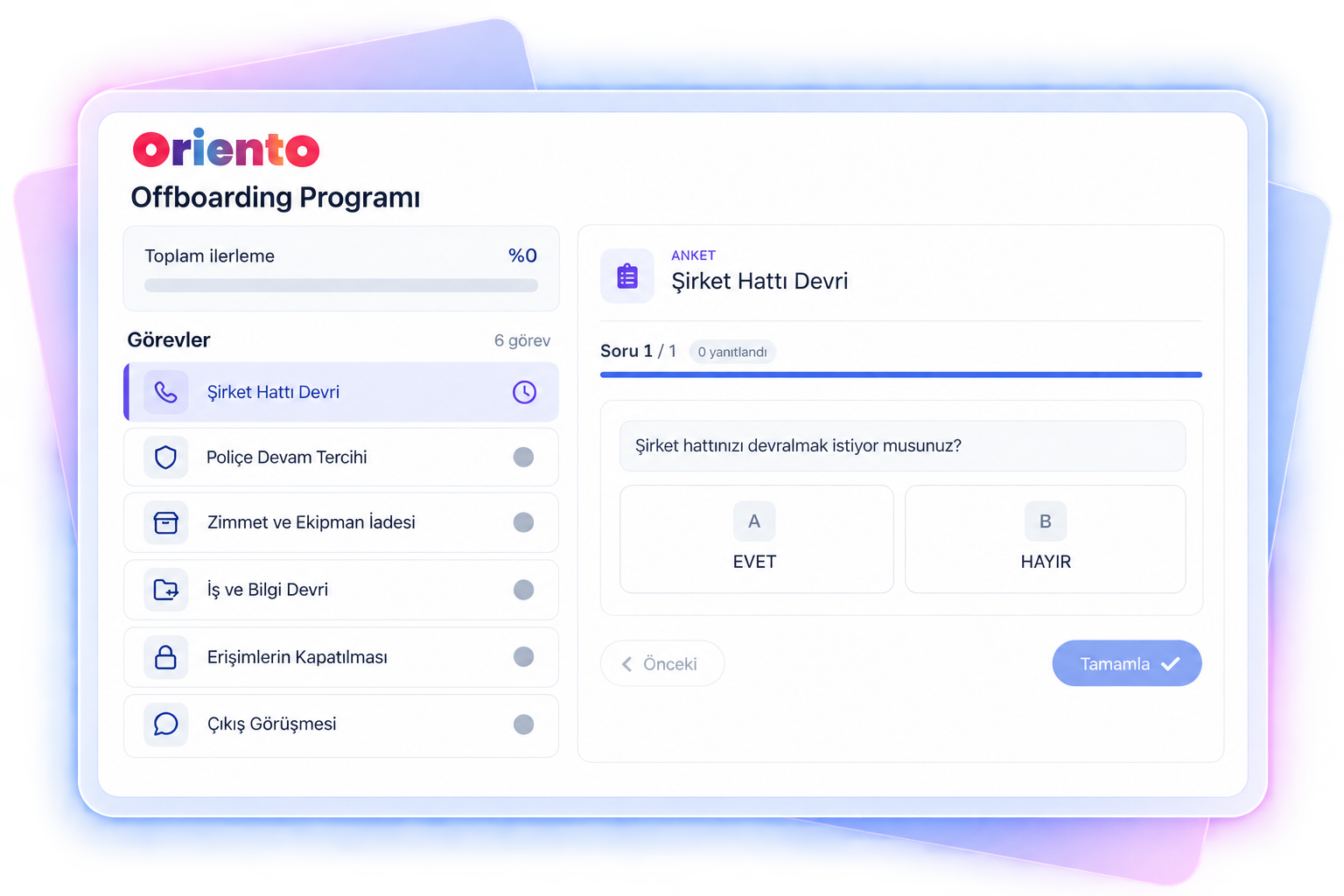
Resignation
- A task for the employee to return the company laptop, phone and other equipment
- A task asking the manager whether the exit interview was held
Involuntary exit
- Tasks are split between the manager, personnel affairs and the HR officer
- Who owns each step and whether it’s done is tracked on screen
About onboarding and offboarding
Can we start onboarding before the employee’s first day?
Yes. Register the employee with their personal email, open the program before day one and collect hiring documents at this stage.
Can we set up different programs for different positions?
Yes. Design separate onboarding programs for different profiles such as interns, white-collar and blue-collar staff, and assign them automatically by group.
Do we have to assign tasks to the manager and buddy one by one?
No. You define tasks once while designing the program; when you assign it to a new employee, the supporting roles’ tasks load automatically.
Who can see uploaded documents?
You set permissions in the file upload task; for example, only the personnel affairs officer can see them.
Let’s design your onboarding process together
Tell us your current onboarding and offboarding steps, and we’ll show you how to set them up on Oriento.
- Automatic task assignment to supporting roles
- Document collection before day one
- Resignation and involuntary exit flows
We’ve received your request
We’ll get back to you the same day. If it’s urgent, email us at info@digitallica.com.tr.