

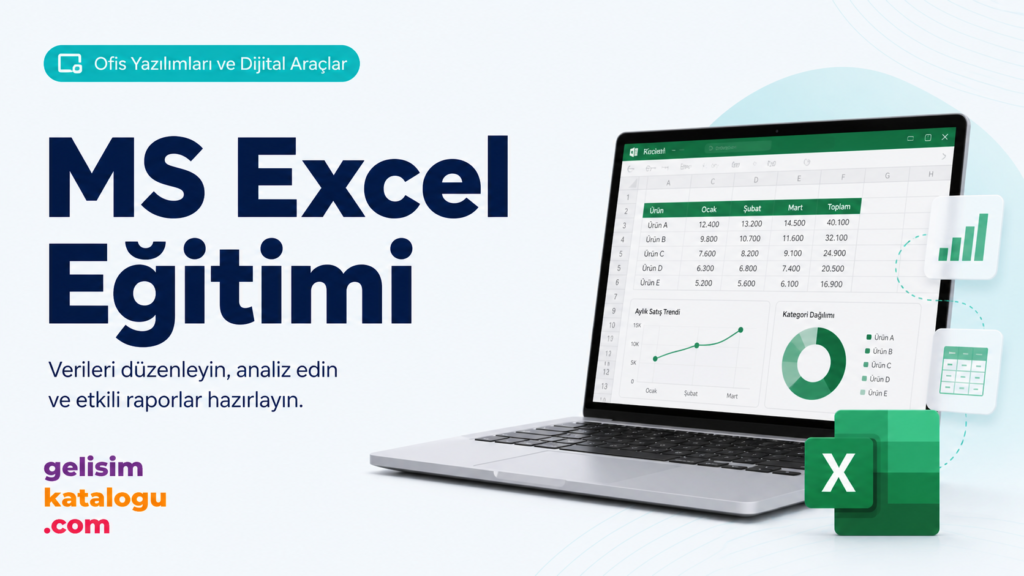
This course covers techniques such as Excel formulas, how to use formulas, functions and ranges, editing your work and developing presentations.
MS Excel Course
Learn Excel formulas and how to use them, functions and ranges, editing your work and developing presentations in this practical Microsoft Excel course.
- Duration
- 40 minutes
- Format
- Video
- Format
- SCORM-AICC-Video
- Language
- Turkish
- Updated
- 2021
- Content Partner
- Digitallica
About the course
Who this course is for
All employees who use spreadsheet, presentation and document tools in their daily work. Suitable for beginner and intermediate users.
Why it matters
A skill gap of a few hours in office tools turns into a difference of days per year on repetitive tasks. This category shows employees which tasks they can stop doing by hand in tools they know but have never learned systematically.
Format and delivery
- SCORM-AICC-Video delivery, ready to upload to any learning management system that supports these standards
- Runs in your existing LMS — no need to switch platforms
- Desktop, tablet and mobile — fully responsive
- Pick up where you left off with completion tracking
- No LMS of your own? Publish via Oriento instead
Frequently asked questions
Can we publish this course on our own system?
Yes. The course is delivered as SCORM-AICC-Video and uploads to any learning management system that supports these standards. There’s no need to change your existing infrastructure.
Can you adapt the content to our organization?
Catalog courses are off-the-shelf content. If you need a program built around your own scenarios, brand and processes, our Custom Content Design service has you covered.
How often is the course updated?
This course was last updated in 2021. Catalog content is reviewed regularly to reflect changes in regulations and practice.
How many users can it be licensed for?
Licensing depends on the number of users and the term. Tell us what you need and we’ll put together the right package.
Which versions are they based on?
The content is based on current versions, and the update year on the course page shows when it was last reviewed. Menu locations may change between versions, but the method taught remains valid.
More courses in this category
Try this course with your team
We’ll open demo access so you can review the content with your own team, then discuss licensing for the full catalog or the titles you choose.